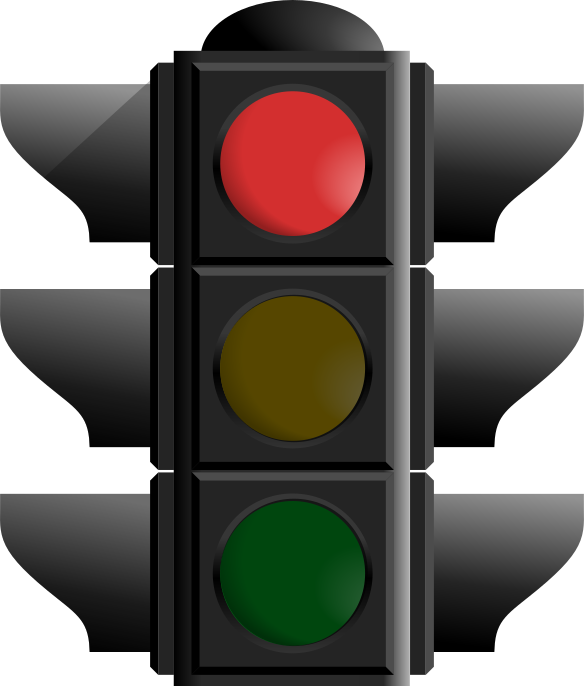
Red
"I need to learn this"
You haven't covered this topic yet, or you feel completely lost when you see questions about it. This is your starting point - everyone has red topics!
 PLC Tracker
A simple system to track your learning, focus your revision, and build your confidence for GCSEs
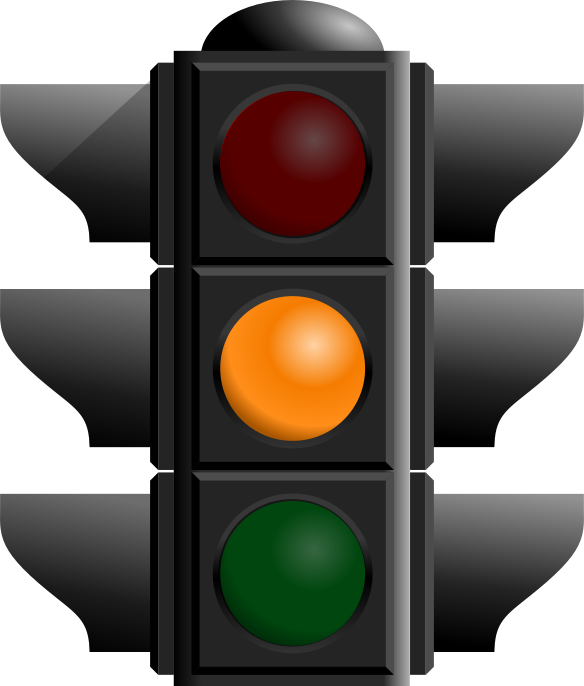
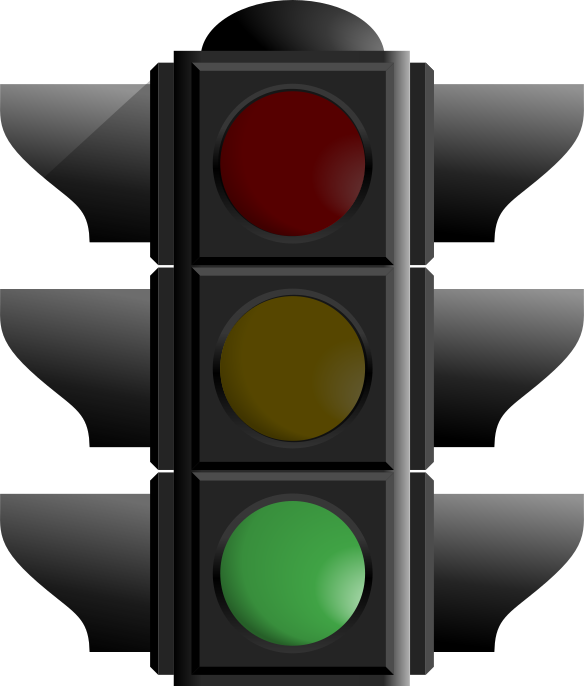
RAG stands for Red, Amber, Green - just like traffic lights! It's a simple way to rate how confident you feel about each topic you need to learn for your GCSEs.
Instead of just reading through notes and hoping things stick, RAG helps you actively think about what you know and what you don't. This is called metacognition - being aware of your own learning - and research shows it's one of the most powerful ways to improve your grades.
"I need to learn this"
You haven't covered this topic yet, or you feel completely lost when you see questions about it. This is your starting point - everyone has red topics!
"I'm getting there"
You understand the basics but need more practice. You might get some questions right but struggle with harder ones. Keep going - you're making progress!
"I'm confident"
You understand this topic well and can answer questions about it confidently. You could explain it to a friend. But remember - green doesn't mean "never revise again"!
Your goal is to move topics from Red → Amber → Green over time. This doesn't happen by magic - it takes active revision and honest self-assessment.
Need to learn
Getting there
Confident
With limited revision time, RAG helps you spend it where it matters most - on red and amber topics, not re-reading things you already know.
Rating yourself forces you to actually think "do I know this?" - which is far more effective than passive reading.
Watching topics turn from red to amber to green is motivating! You can actually see yourself improving over time.
You know exactly where your gaps are before the exam, so there's no nasty surprises when you open the paper.
When you first set up a subject in PLC Tracker, you'll do a "First Run" through all the topics. This is incredibly important - it's where you honestly rate every single item for the first time.
PLC Tracker is only as good as the information you give it. If you mark everything as Green because you want to feel good, you're only cheating yourself. Be brutally honest during your First Run:
It's okay (and expected!) to have lots of red at the start. That's the whole point - now you know where to focus!
[Screenshot: First Run screen showing RAG rating in action]
After your First Run, use this cycle to steadily improve:
PLC Tracker works brilliantly with Anki (a free flashcard app). Create flashcards for your Red and Amber topics, and Anki's spaced repetition will help move them to Green over time.
[Screenshot: Anki integration showing linked flashcards]
After doing a past paper, update your RAG ratings! If a question stumped you, that topic needs to go back to Red or Amber - no matter what you thought before.
Share your RAG progress with friends. If someone else is Green on a topic you're Red on, ask them to explain it to you. Teaching others is also a great way to cement your own understanding!
RAG isn't just a pretty colour system - it's based on solid learning science:
When you start a revision session in PLC Tracker, the app intelligently selects which topics to show you. Here's how it works:
After each session, your new RAG ratings immediately update future priorities - so the system continuously adapts to your learning.
We strongly recommend using Anki in addition to PLC Tracker. While PLC Tracker helps you identify what to revise and track your confidence, Anki is optimised for memorisation with its own sophisticated spaced repetition algorithm.
The best approach is to use both together:
PLC Tracker can link directly to your Anki decks, so you can see your flashcard progress alongside your RAG ratings.
Remember: everyone starts with lots of Red. That's not failure - that's just the starting point of your journey. The students who do best aren't the ones who pretend they know everything; they're the ones who honestly identify their gaps and systematically fill them.
With PLC Tracker and the RAG system, you have a powerful tool to take control of your revision. Use it honestly, use it regularly, and watch your confidence grow as those Red topics turn Amber, and those Ambers turn Green.
You've got this! Start your First Run today.